

WordPress is one of the most SEO-friendly website platforms around, and you can get a lot done without knowing much about coding. However, it's also surprisingly easy to make mistakes that hurt your rankings, sometimes without even realising something is wrong.
The good news is that many common WordPress SEO mistakes are fairly easy to fix once you know where to look. In this guide, we'll cover eight of the most important ones, explain how they affect your website and show you what you can do about them.

1. Accidentally Blocking Search Engines From Indexing Your Site
WordPress has a built-in setting that discourages search engines from indexing your website. It's particularly useful when you're building a new site and don't want unfinished pages appearing on Google. However, forgetting to turn it off when the website goes live can cause some serious SEO headaches.
You can check this by going to Settings → Reading in your WordPress dashboard. Look for the option labelled "Discourage search engines from indexing this site." If it's checked, untick it and save your changes.
It's also worth checking whether individual pages have been marked as noindex through plugins like Yoast SEO or Rank Math. This tells search engines not to include those pages in their results, even if the rest of your website is accessible.
If you're unsure whether Google is indexing your pages properly, the Page indexing report in Google Search Console is a good place to investigate.
Helpful Tip: If you'd rather have someone handle the technical details, a marketing agency like Scale Oxford can help you identify and fix WordPress SEO problems.
2. Assuming an SEO Plugin Does Everything for You
Plugins like Yoast SEO and Rank Math make WordPress SEO considerably easier, but installing one doesn't automatically mean your website is properly optimised.
For example, Yoast might give your page a green light because you've included your target keyword in the right places. That's helpful, but Google doesn't use Yoast's scoring system to decide where your page should rank. You could have a perfect plugin score and still struggle to appear in search results.
It's worth checking what your plugin is actually doing. Look at the SEO titles and indexing settings for your important pages, and make sure your XML sitemap is working correctly. WordPress already generates a basic sitemap, so additional sitemap functionality isn't always necessary.
Also, avoid running multiple SEO plugins that perform the same jobs. Having Yoast and Rank Math active together can create conflicting settings or duplicate metadata, which is a headache you really don't need.
3. Using Poor Permalink Structures or Changing URLs Without Redirects
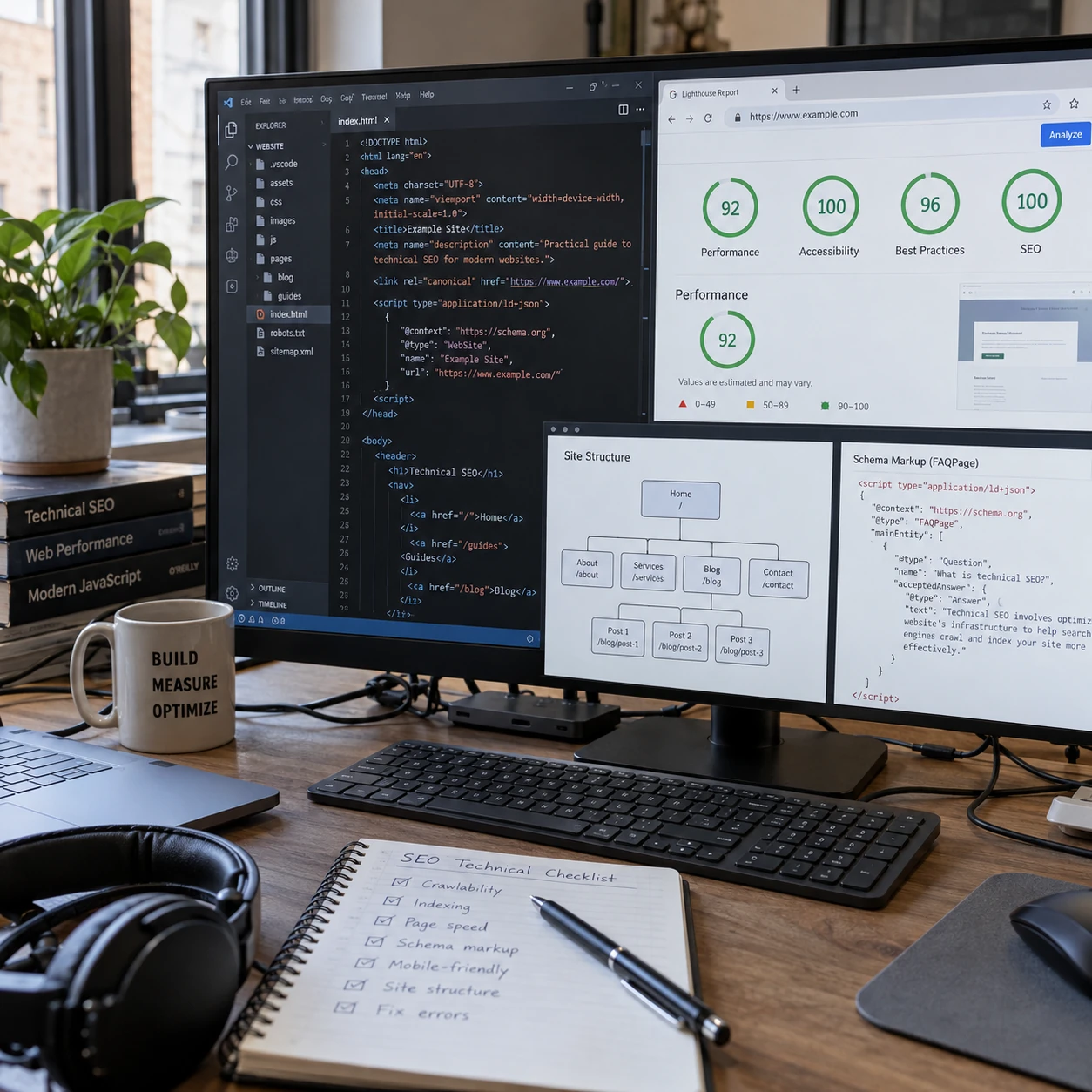
WordPress lets you customise your website's URL structure under Settings → Permalinks. A URL like example.co.uk/?p=214 doesn't tell visitors much about the page, whereas example.co.uk/roof-repairs-oxford/ makes its subject immediately obvious.
For new websites, the Post name permalink option is usually a good choice because it produces short, readable URLs.
However, changing permalinks on an established website deserves a bit more caution. If other websites are linking to your old URLs, changing those addresses without proper redirects could leave visitors staring at a 404 error page. You could also lose valuable search traffic.
If you need to change an existing URL, make sure there's a 301 redirect pointing from the old address to the new one. Plugins like Redirection can help with this, although it's worth checking that the redirects actually work afterwards.
And if your existing URLs are already performing well, there's usually little reason to change them just for the sake of making them look nicer.
4. Letting Unnecessary Category and Tag Pages Get Indexed
WordPress automatically creates archive pages for your categories and tags, which can be useful for organising your content. However, things can get a bit messy when you have dozens of tags that barely contain anything.
For example, if you've published 20 blog posts and given each one several unique tags, WordPress could end up generating a small army of archive pages, many showing just one article. These pages often add very little value for visitors, especially when several cover almost identical topics.
You can review your existing categories and tags under Posts → Categories and Posts → Tags. It's worth consolidating overlapping ones and removing tags you no longer need.
Useful category pages can absolutely deserve a place in Google's index, particularly when they bring together articles on a topic people actually search for. For less useful archives, plugins like Yoast SEO and Rank Math let you configure whether search engines should index them.
5. Publishing Pages With Weak Titles and Unhelpful Content
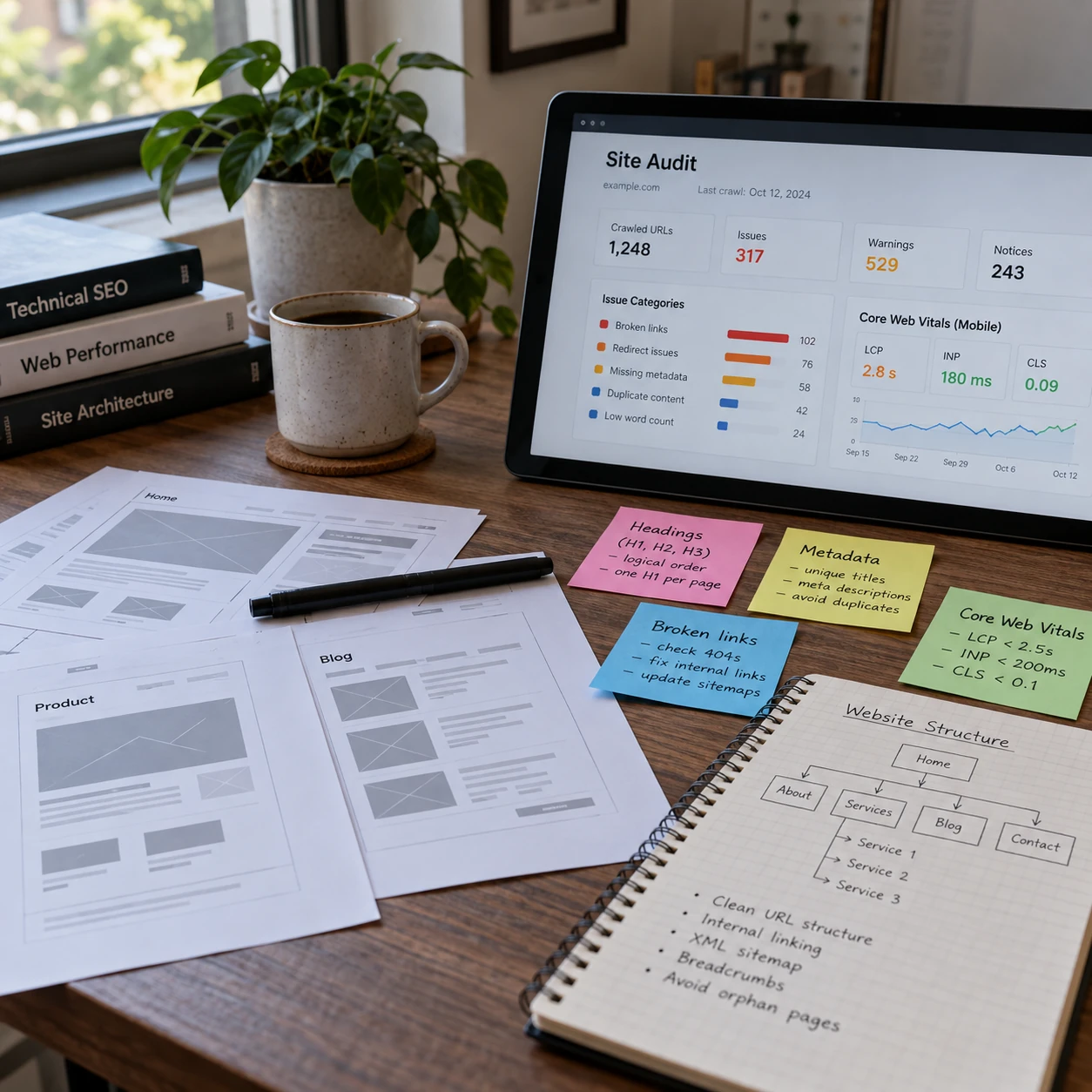
A page titled "Our Services" doesn't give Google or potential customers much to work with. Compare that with something like "Boiler Repairs in Oxford", which immediately tells people what the business offers and where.
You can edit your SEO titles and meta descriptions through plugins like Yoast SEO or Rank Math. It's worth giving your important pages individual titles rather than relying on automatically generated ones.
Meta descriptions are also useful for encouraging clicks, although they aren't a direct Google ranking factor, and Google may display its own description instead.
Of course, a good title can only get you so far if the page itself doesn't answer what visitors are looking for.
If someone searches for boiler repairs in Oxford, they'll probably want to know which repairs you handle, whether you cover their area and how to arrange a visit. A page containing two generic paragraphs about excellent customer service isn't particularly helpful.
Giving visitors that information makes the page more useful and provides Google with a clearer picture of what it's about.
6. Forgetting About Internal Links
Internal links help Google discover pages on your website, and they're also pretty handy for visitors looking for more information.
Say you've written a detailed blog post about choosing a heat pump, but it never links to your heat pump installation service page. Someone could read the entire article, find it useful and leave without realising you actually offer the service they're researching.
Adding links in WordPress is easy. Just highlight the relevant text in the editor, click the link icon and search for the page you want to link to.
It's worth reviewing older posts too, especially if you've published new services or useful articles since writing them. You don't need to cram links into every paragraph, but important pages should be reasonably easy to find.

7. Slowing Down Your Website With Heavy Themes, Plugins and Images
WordPress gives you an enormous choice of themes, page builders and plugins, which is great until your website starts taking an eternity to load.
Some themes come packed with features you'll never use, while poorly optimised plugins can add unnecessary scripts to your pages. Large images are another common culprit. Uploading a massive photograph straight from your camera might look lovely, but visitors shouldn't have to download several megabytes just to see your homepage.
You can check your website's performance using Google PageSpeed Insights, which highlights potential problems on both mobile and desktop.
For images, resizing and compressing them before uploading can make a noticeable difference. It's also worth reviewing your installed plugins and removing ones you no longer need, provided they aren't being used elsewhere on the site.
While reviewing your images, remember to add descriptive alt text where appropriate. This helps people using screen readers understand meaningful images and gives search engines additional context about their content.

To Sum Up: Keeping Your WordPress SEO in Good Shape
A WordPress website doesn't need constant SEO tinkering, but it's worth checking on it from time to time. A missed indexing setting or broken redirect can sit unnoticed for months, and fixing those problems often does more good than chasing another green light in an SEO plugin.
The aim is to have a website that search engines can understand and customers can actually use.

Yorum yaparken:
1. Yaptığınız yorumun, mutlaka yazı ile alakalı olmasına özen gösteriniz.
2. Yorumlarınızda yazım ve dil bilgisi kurallarına uymaya çalışın lütfen.